Hi IAMMETER Support, We have configured MQTT exactly per your documentation, but connection is still rejected. Setup: - Broker: mqtt.iammeter.com - Port: 1883 (non‑SSL) - Topic: device/BJ7AAXDM/realtime - MQTT Username: Paykar - MQTT Password: YhDS9tgH91q? - Account is Active in IAMMETER Cloud → Settings → MQTT Settings (confirmed) - Client library: paho‑mqtt (Python) Error: - MQTT connect failed with code 5 (Not authorized) - Repeats continuously after reconnect Log snippet: - “Connecting to MQTT broker mqtt.iammeter.com:1883 …” - “Topics: [‘device/BJ7AAXDM/realtime’]” - “MQTT connect failed with code 5.” We have rechecked credentials and restarted the client several times. Could you please verify on your side that the MQTT account “Paykar” has permission to access device BJ7AAXDM and is enabled for the public broker? If there are any additional steps (ACL, device binding, IP allowlist, or different port), please advise. Thanks in advance.
We tested again just now, but authorization still fails. Details: - Broker: mqtt.iammeter.com - Port: 1883 - Username: Paykar - Password: YhDS9tgH91q? - Topic: device/BJ7AAXDM/realtime Error persists: - MQTT connect failed with code 5 (Not authorized) We’ve restarted the client multiple times and confirmed the MQTT credentials in IAMMETER Cloud. Could you please double‑check on your side that: 1. The MQTT account “Paykar” is active and permitted to connect, and 2. The device “BJ7AAXDM” is correctly bound/authorized for this account, 3. No ACL or region restrictions are blocking this account. If possible, please test this account from your side or provide a known‑working test credential/topic for verification. Thanks in advance.

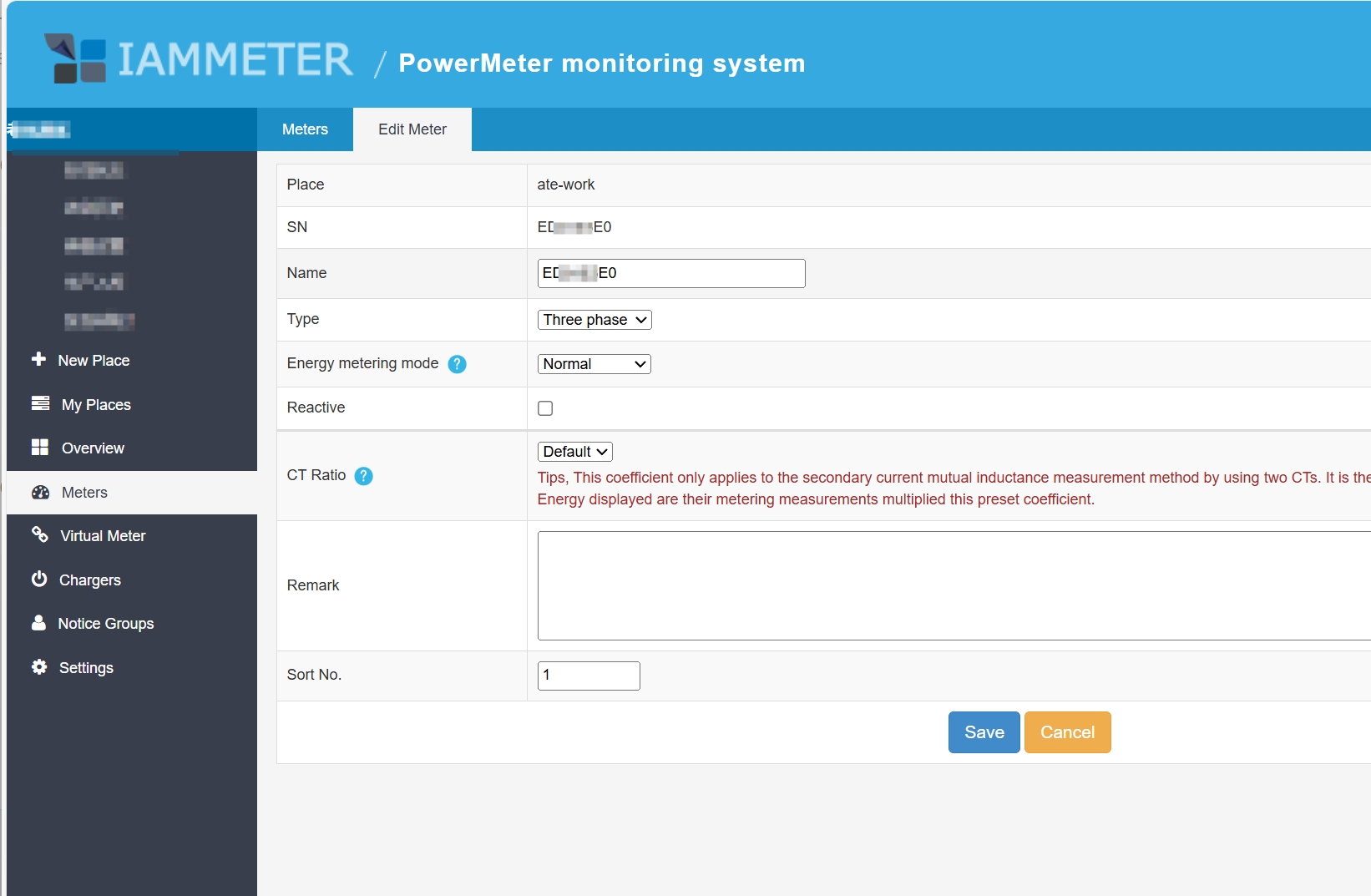
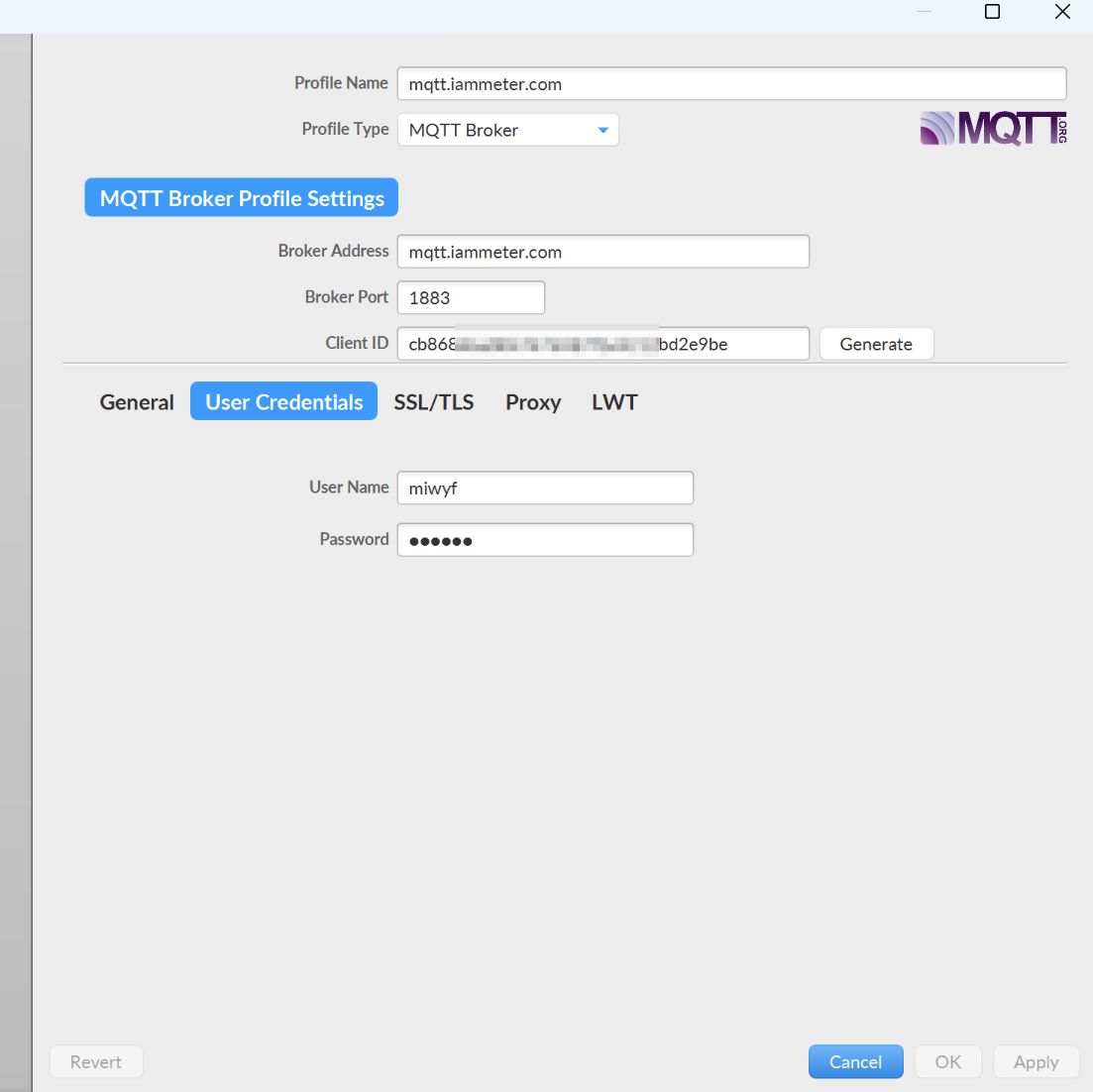
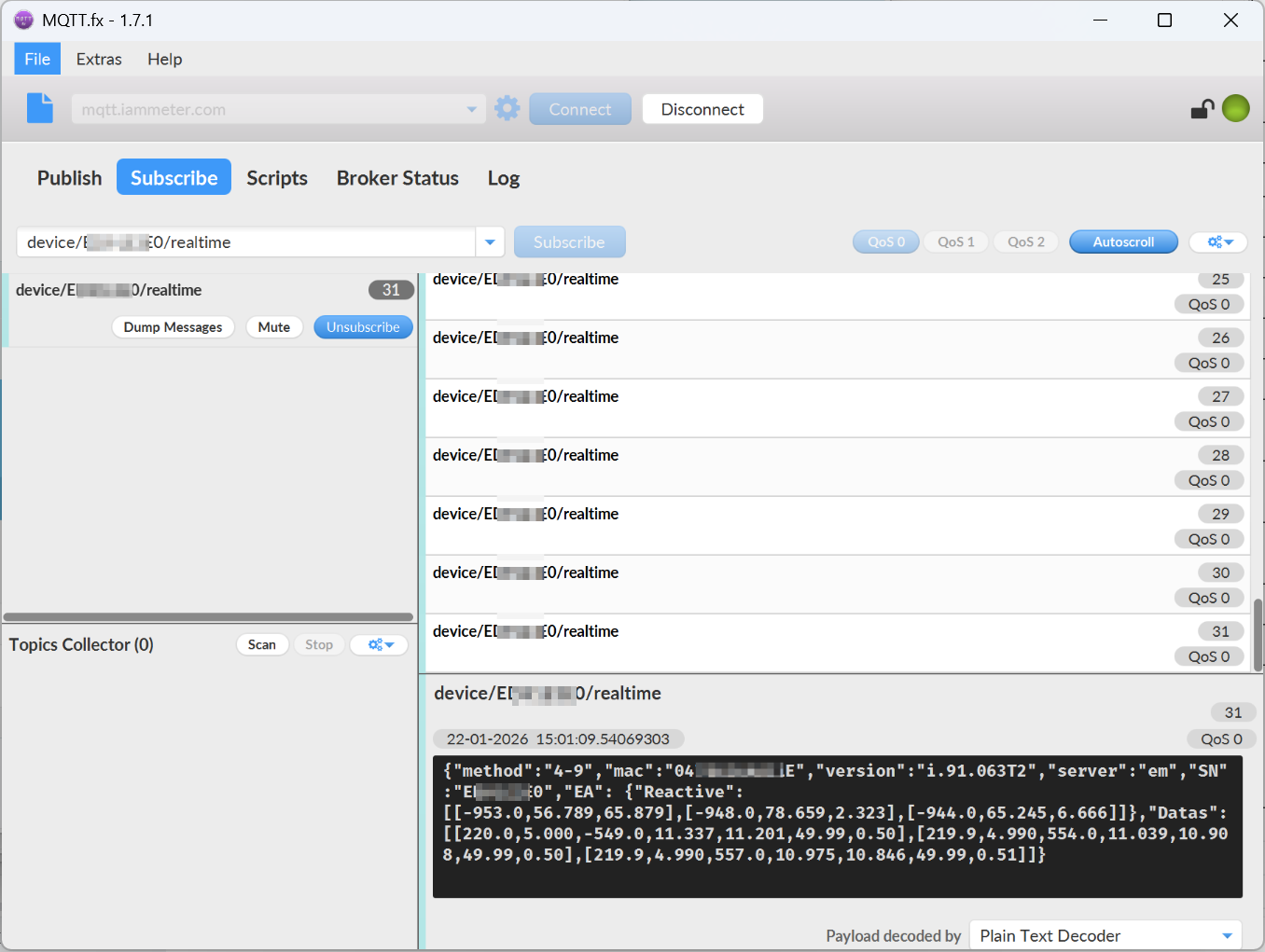
This is the data I just tested and was able to obtain. You can compare it with yours and see if there are any differences.
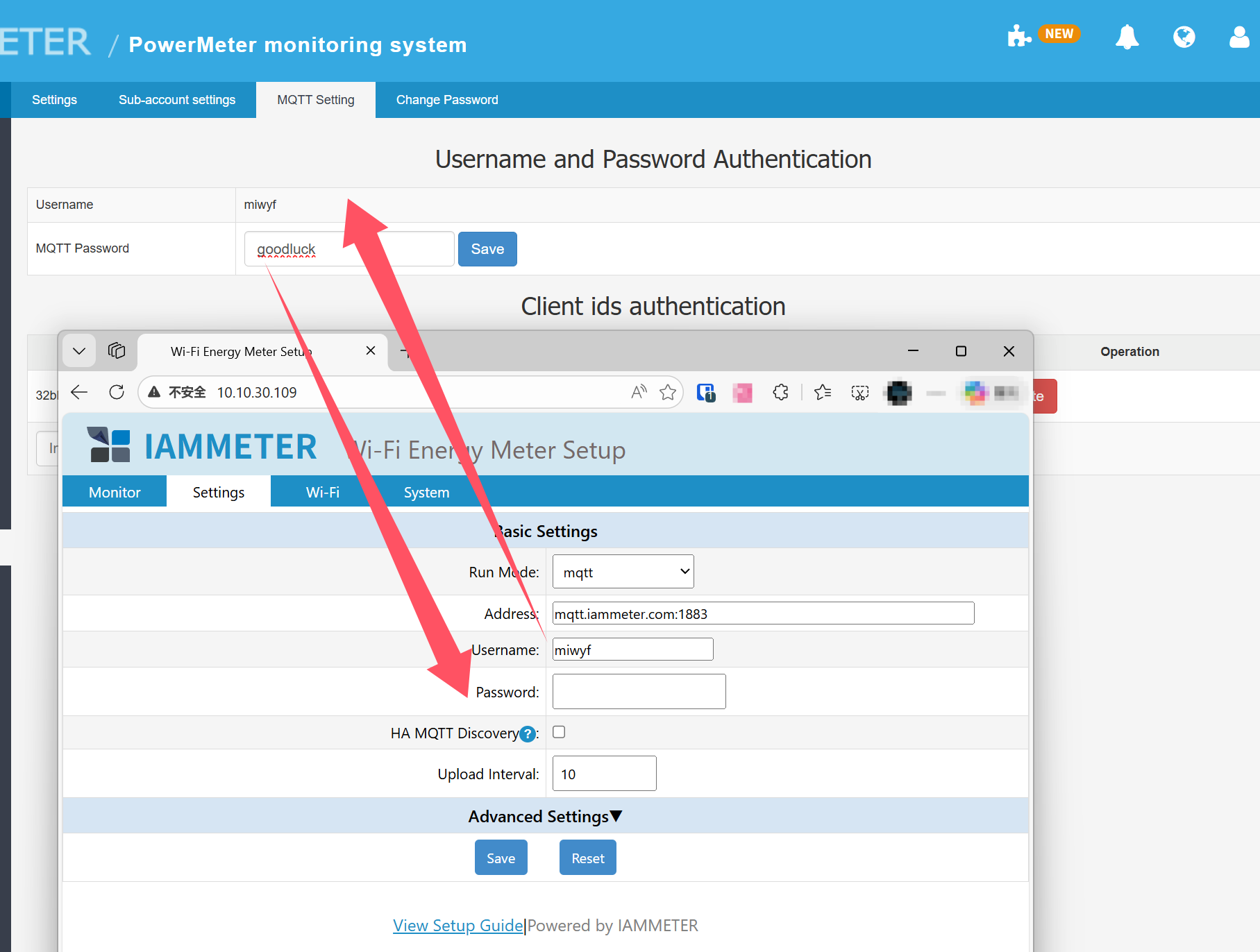
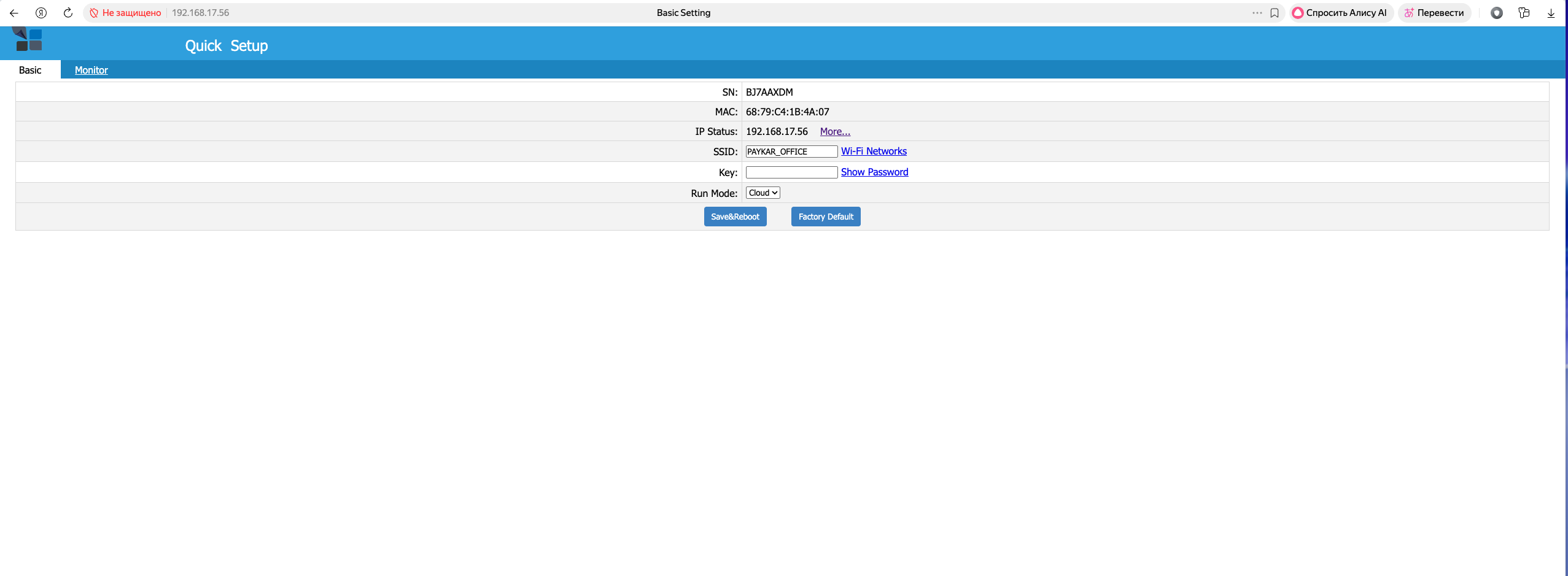
I didn't find a WiFi Setting. Tell me how I can access these settings.
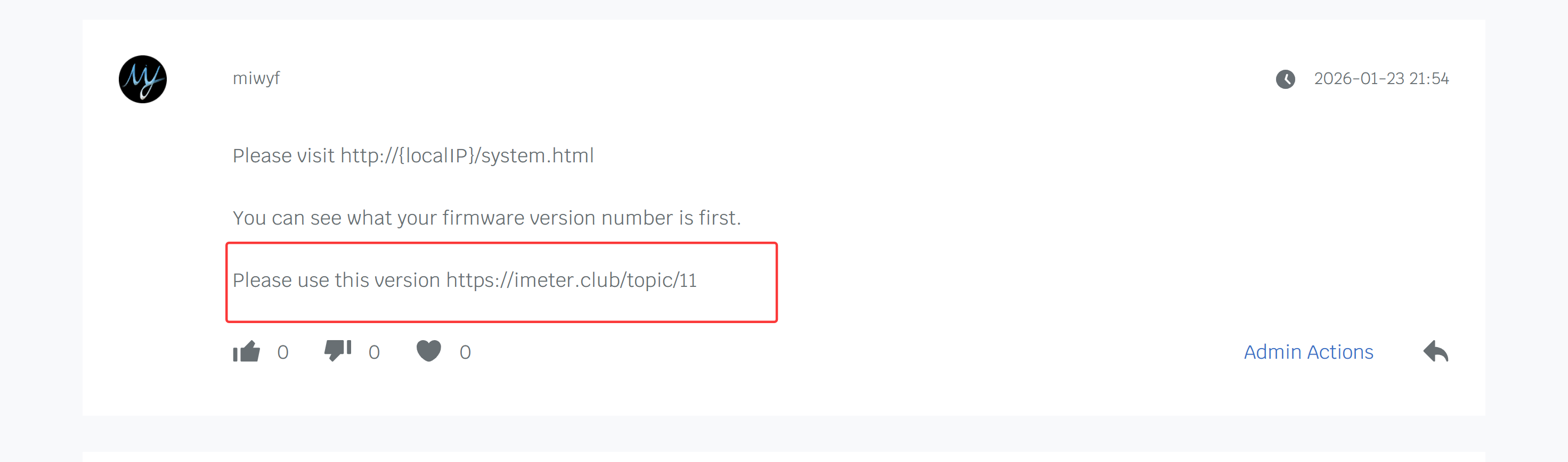
Please visit http://{localIP}/system.html
You can see what your firmware version number is first.
Please use this version https://imeter.club/topic/11
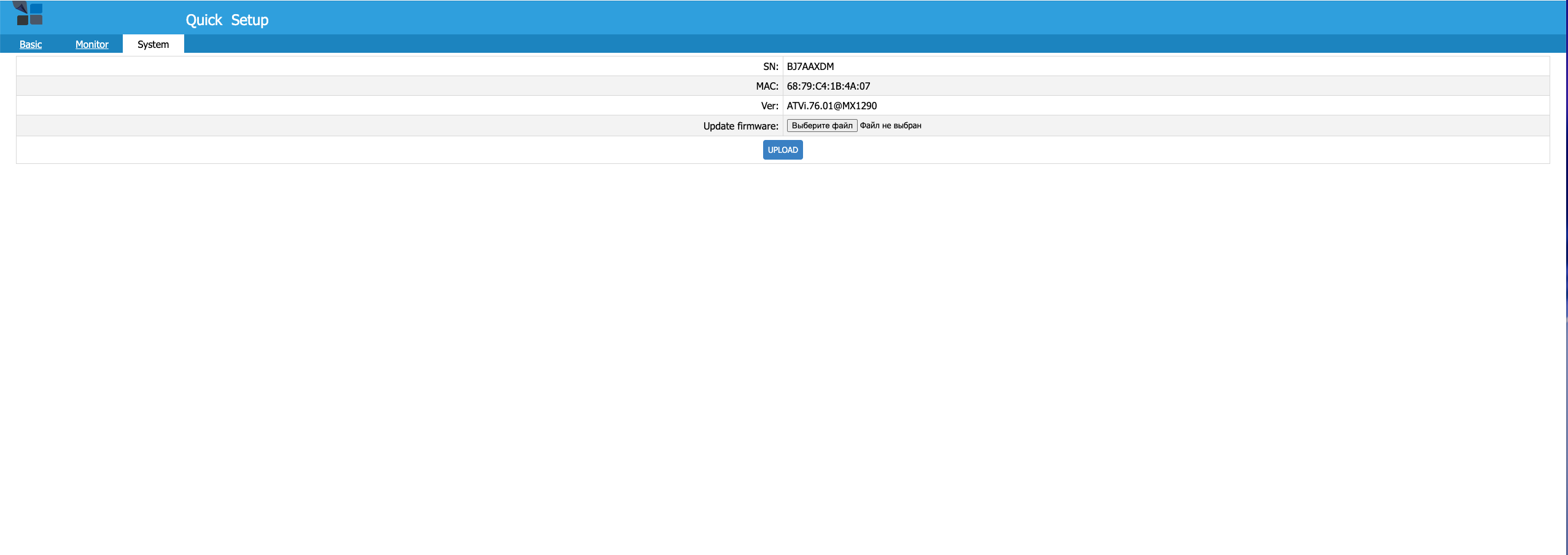

still the old version,you need to upgrade to the new version to use the new UI.
Wang have told you how to upgrade to the new version